
Media
Live Audio on a Phone That Keeps Losing Signal
By Tinoy Peter · 12 May 2026 · 5 min read
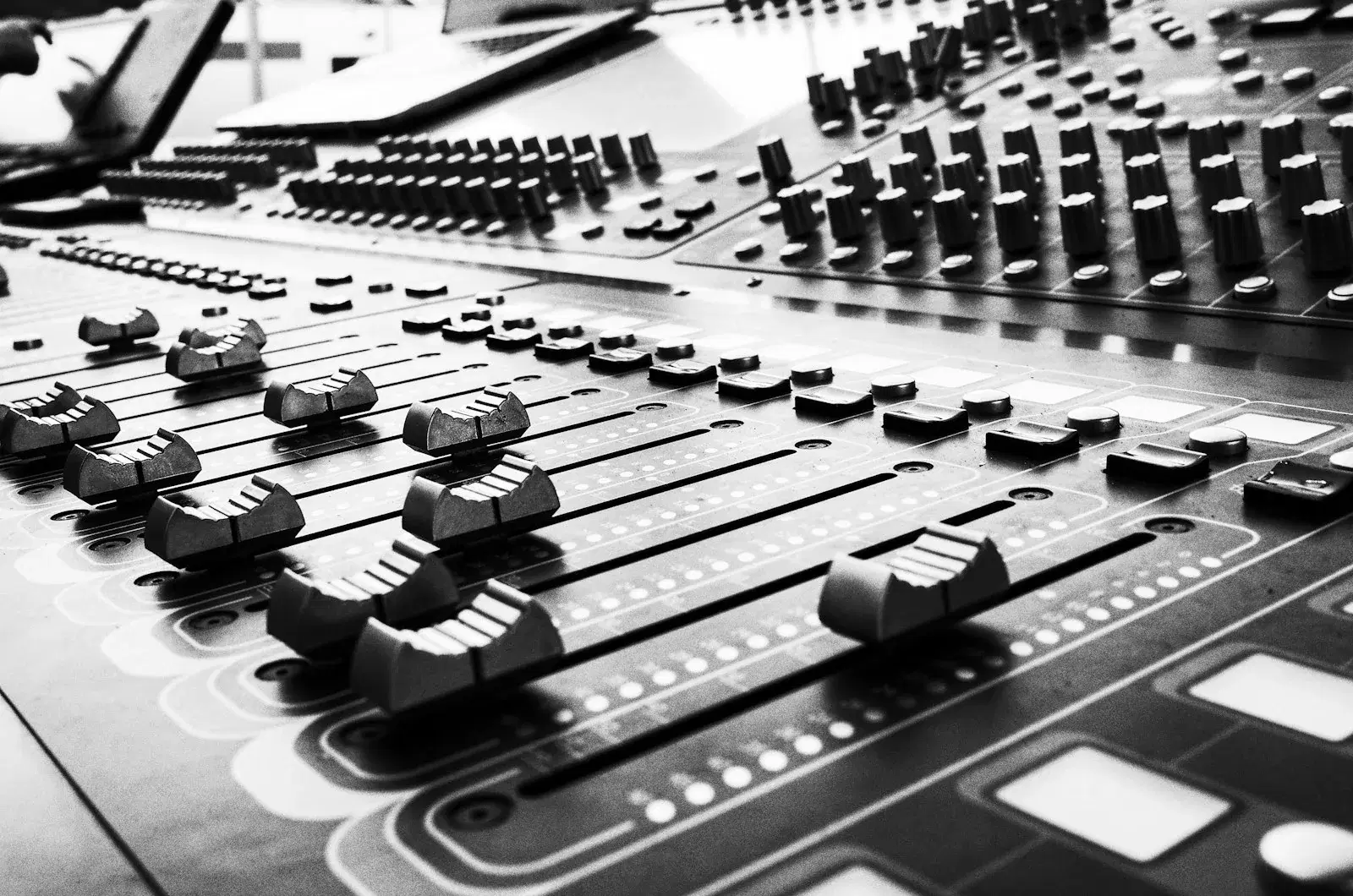
Building a streaming app for a broadcaster looks, at first, like building a music player. Both fetch audio over the network, both decode it, both need play and pause. We built the mobile and web apps for Radio Zürisee, a Swiss regional station, and the resemblance stopped being useful within about a week.
A music player owns its content. It knows the track length, it can seek, and if the network drops it can carry on from a local copy. A live radio stream owns none of that. There is one position — now — and the listener's device is always slightly behind it.
Pause is not pause
The first thing that breaks is the most obvious control on the screen.
In a music player, pause holds a position and resume continues from it. In a live stream, resuming from the held position means playing audio that is already stale, and getting staler every second the app is in the foreground. Come back after a ten-minute call and you are ten minutes behind the broadcast, listening to a traffic report about a jam that has cleared.
So the button has to decide what it means. For a live stream the honest behaviour is that pause stops playback and release discards the buffer and rejoins at the live edge. The listener hears a jump, and that is correct: they asked for the radio, and the radio moved on without them. What they must not get is a silent drift into the past that they only notice when the news headlines are wrong.
The place this becomes visible is the lock screen. The operating system's media controls are designed around a track with a duration and a scrub position, and if you hand them a live stream without saying so, you get a progress bar that crawls along a timeline that does not exist. Both platforms have a way to declare a stream as live rather than as a fixed-length item, and using it is what stops the interface from making a promise the stream cannot keep.
Reconnection is the feature
Somebody listening on a commute loses connectivity constantly — tunnels, lifts, the gap between a building's wifi and the cell network. On a music player these are invisible, because the next track is already on the device. On a live stream each one is a decision.
The naive approach is to let the platform's player surface the error and put a "tap to retry" state on the screen. It works, technically. It is also miserable: the listener now has to babysit the app, and if their phone is in a pocket they just hear silence until they take it out.
What the app should do instead is treat a dropped connection as an expected event rather than a failure. Retry immediately, then back off, and keep trying for as long as the listener has not pressed stop. Distinguish between the network being briefly unavailable and the stream endpoint genuinely refusing — the first resolves itself and needs no interface at all, the second needs to be said out loud. Getting that distinction wrong in either direction is what produces the two worst outcomes: an app that gives up while the signal is coming back, or an app that spins forever against a server that is not there.
There is a subtlety in the backoff. A tunnel produces a coordinated outage: every listener on that train loses the stream within a few seconds of each other, and every one of their phones will try to reconnect within a few seconds of each other too. A fixed retry interval turns a tunnel into a synchronised thundering herd against the origin. Jitter in the backoff is not a nicety here; it is what keeps a predictable daily event from looking like a traffic spike.
The metadata arrives separately from the audio
Listeners want to know what is playing. That information does not travel inside the audio stream in any form the client can rely on, so it comes from somewhere else — a now-playing endpoint, a schedule feed, or the station's own playout system.
Which means there are two independent timelines that both claim to describe the same moment, and they will disagree. The audio is buffered, so the device is a few seconds behind the broadcast. The metadata is polled, so it may be a few seconds behind or, worse, a few seconds ahead. Show them together naively and the track title changes before the track does.
The fix is unglamorous: know the approximate buffer depth, and delay the metadata display to match it. It will never be frame-accurate and it does not need to be. It needs to not be visibly wrong, which is a much lower bar and one that a surprising number of streaming apps miss.
What actually earns the rating
None of the above is what a broadcaster asks for. The brief is a stream, a schedule, a way to catch up on a programme, station branding done properly.
But the reviews an app like this receives are almost entirely about the things in this article. Nobody writes a review praising the audio decoder. They write reviews when the app stopped playing in the car and did not start again, when the Bluetooth handover dropped the stream, when the lock-screen control did nothing. A radio app is a utility, and utilities are judged on the days they fail.
The engineering effort therefore lands in a strange place relative to the specification. The feature list is short and mostly straightforward. The work is in the state machine behind the play button — foreground and background, connected and not, live and paused, headphones in and yanked out — and in being honest with the listener about which of those states they are in.
iLeaf has been building mobile and web applications since 2011, including streaming and media platforms for broadcasters in Europe and the UK. If you are planning something in this space, our work has more detail, or you can tell us about the project.
Thinking about this for your own business?
We have been building and running enterprise systems since 2011. Talk to a solutions lead about where agents pay off first.
Talk to a solutions lead